What’s new
What we just shipped, what we’re building now, and what comes after. Plans can change, so nothing here has a date until it’s done.
The plan
Building now
- Fixes from your first feedback
Next
- Payslip upload to set up tax in one go
- Pension and student loan in the estimate
- More tax years
Later
- Reminders on your phone
- Earnings goals
October 2026
21 October
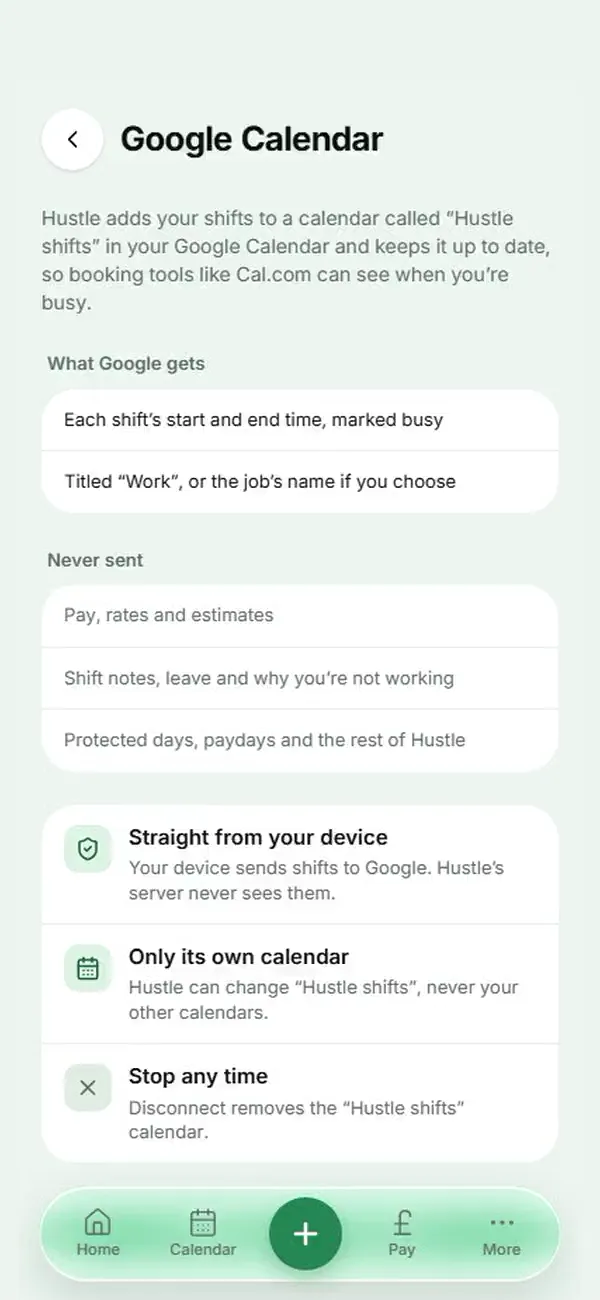
Your shifts in Google Calendar
Connect Google Calendar in Settings › App & data and Hustle keeps a “Hustle shifts” calendar up to date with your shift times, marked busy, so booking tools like Cal.com know when you’re working. Your device sends the times straight to Google. Never any pay.
Google Calendar in Settings, with sample data 20 October
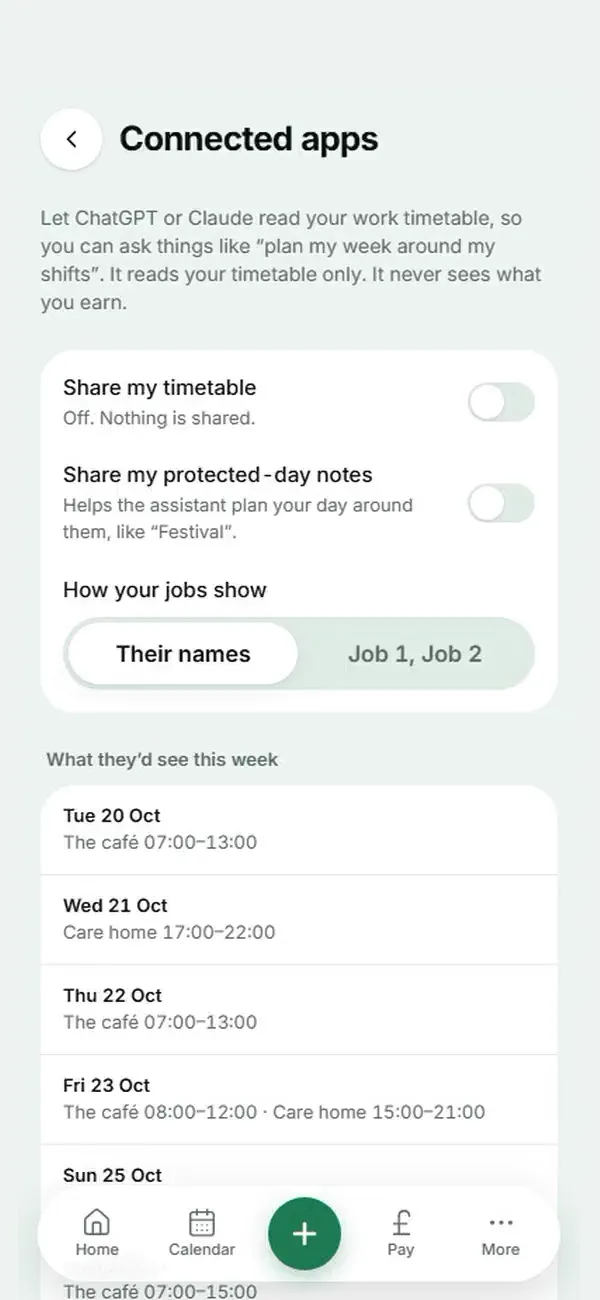
Plan your day with Hustle in ChatGPT or Claude
Turn on sharing in Settings › App & data › Connected apps, then connect Hustle in Claude or ChatGPT. The app can read your shift days and times, job names, the days you’re not working, your protected days (with their notes only if you choose) and your payday dates, and nothing else: never your pay or money. Ask “plan my day around my shift” or “when am I free this week?”. Hustle sends a fresh locked copy from your device when something changes, and you can stop it any time.
Connected apps in Settings, with sample data 19 October
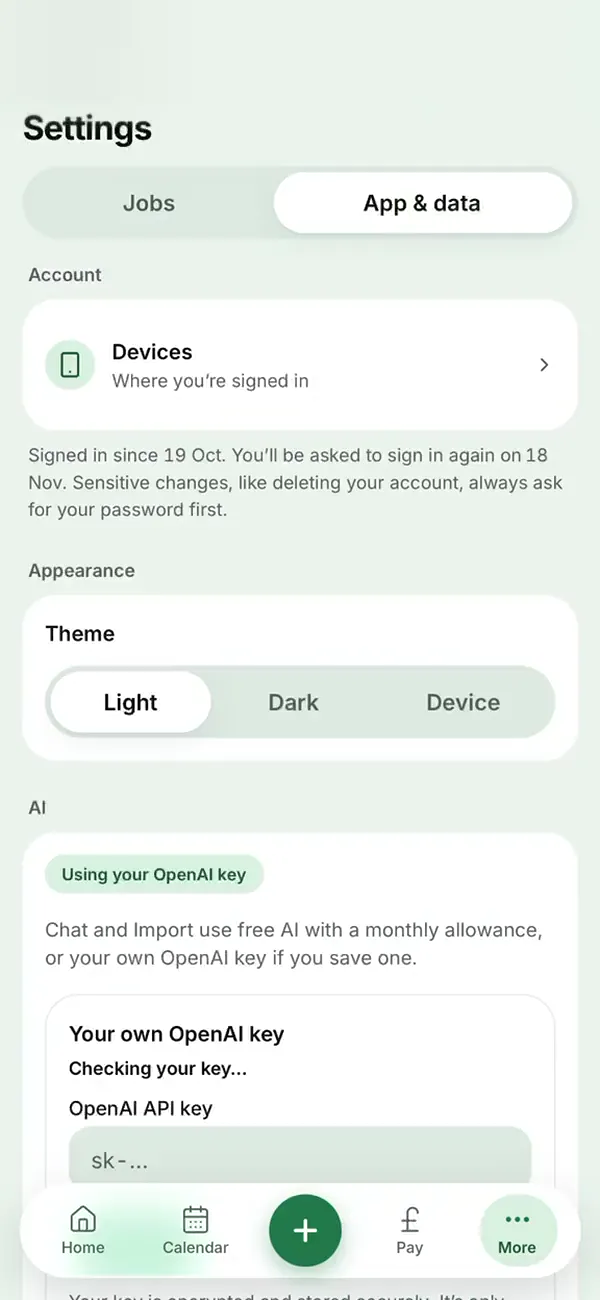
Devices: see where you’re signed in
Settings › App & data › Devices lists every phone and computer signed in to Hustle, with an approximate location and when it was last used. Sign out one you don’t use, or every other device at once if you lose a phone. You’ll get an email, and a card on Home on your other devices, when a new device signs in, and Hustle now asks you to sign in again every 30 days. You can also change your password in Settings.
Devices in Settings, on an iPhone (location hidden) 19 October
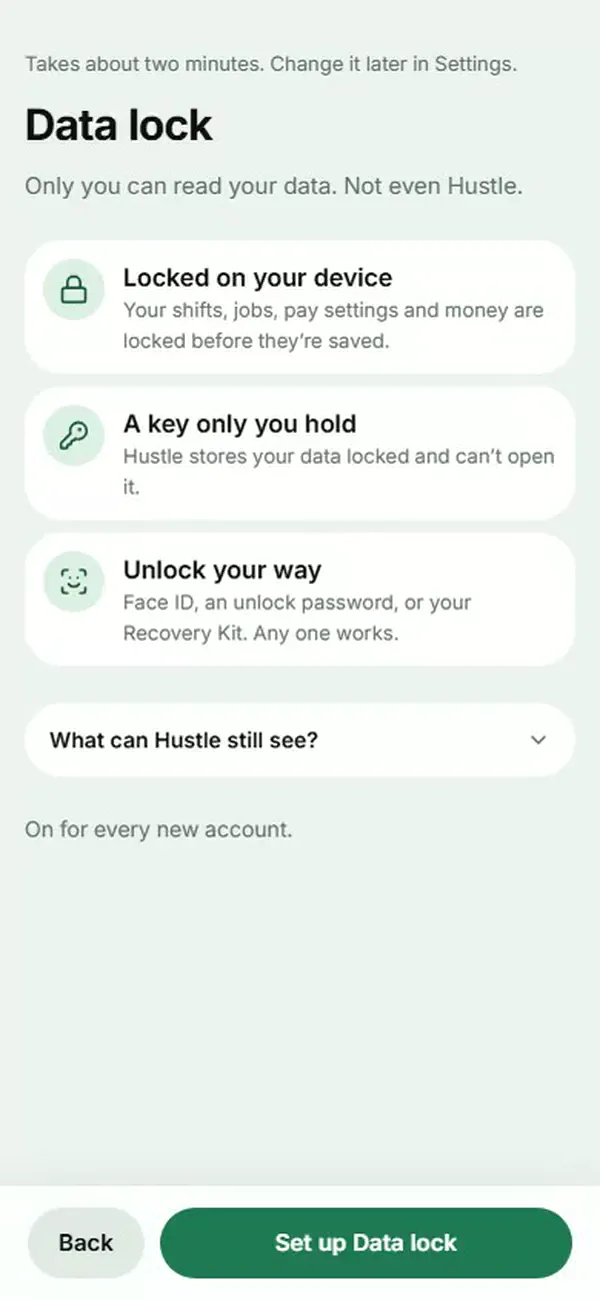
Data lock: only you can read your data
Your shifts, jobs, pay settings and money can now be locked on your device before they’re saved, with a key only you hold, so Hustle stores them locked and can’t open them. Unlock with Face ID or fingerprint, an unlock password or a code from your Recovery Kit, and choose how often Hustle asks. Turn it on from To do on Home or in Settings › App & data › Data lock; new accounts set it up as they get started. What you send to Chat or rota import is the one exception.
Setting up Data lock, step by step 14 October
A new opening animation, and sharper app icons
When you open the installed app on your phone, the Hustle logo draws itself in about three seconds, with a short sound on Android (iPhones keep web apps quiet until you tap). It plays only when the app starts fresh, never when you come back to it, a tap skips it, and Reduce motion turns it off. The app icons and iPhone launch screens are sharper too.
The opening animation, as it plays in the installed app 12 October
Hide amounts
Tap the eye and every amount in the app turns to shimmering ink, so you can open Hustle in front of anyone. Hold one to peek, or choose Tap to show in Settings. Your choice is remembered on this device.
11 October
A new look across the app
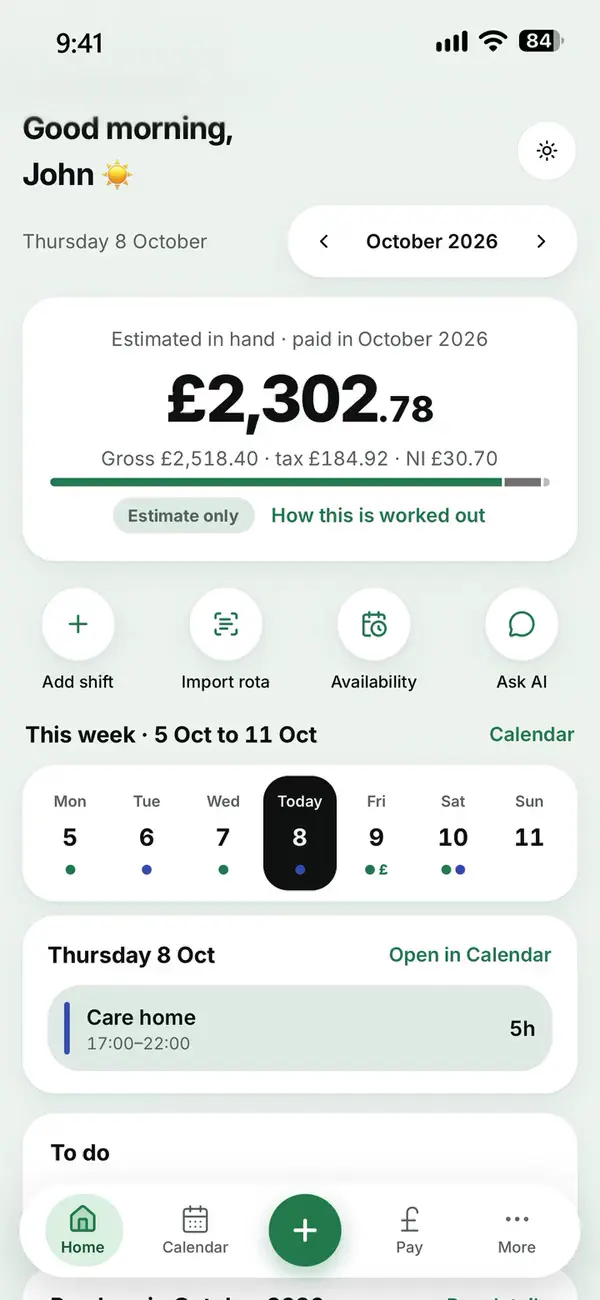
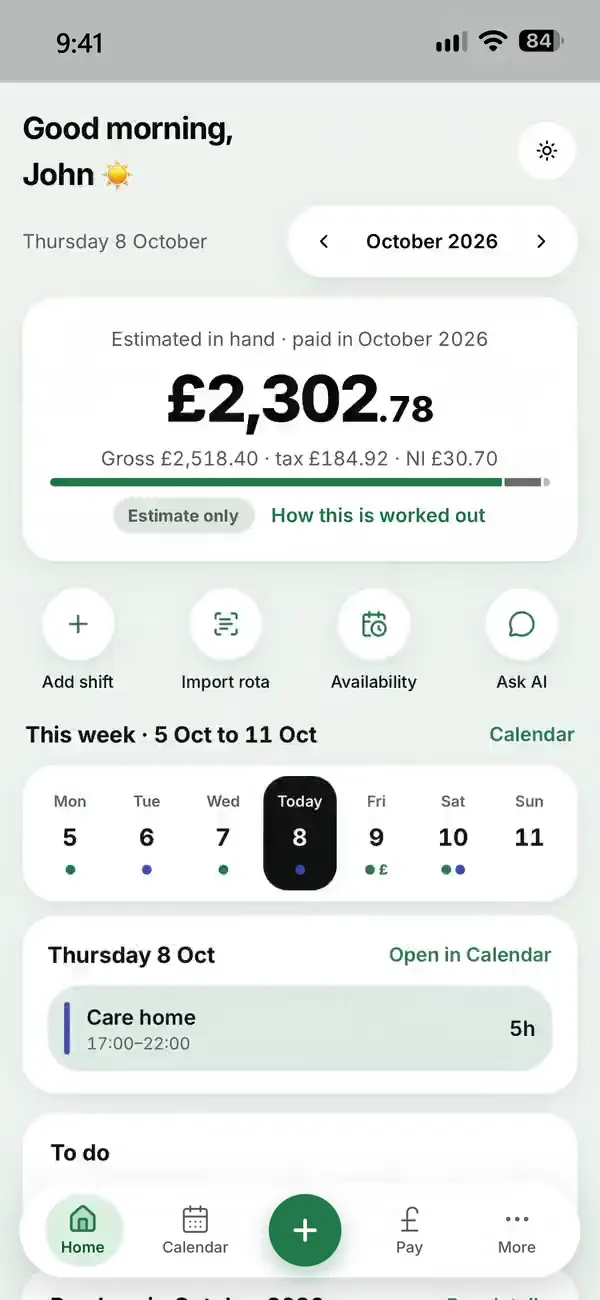
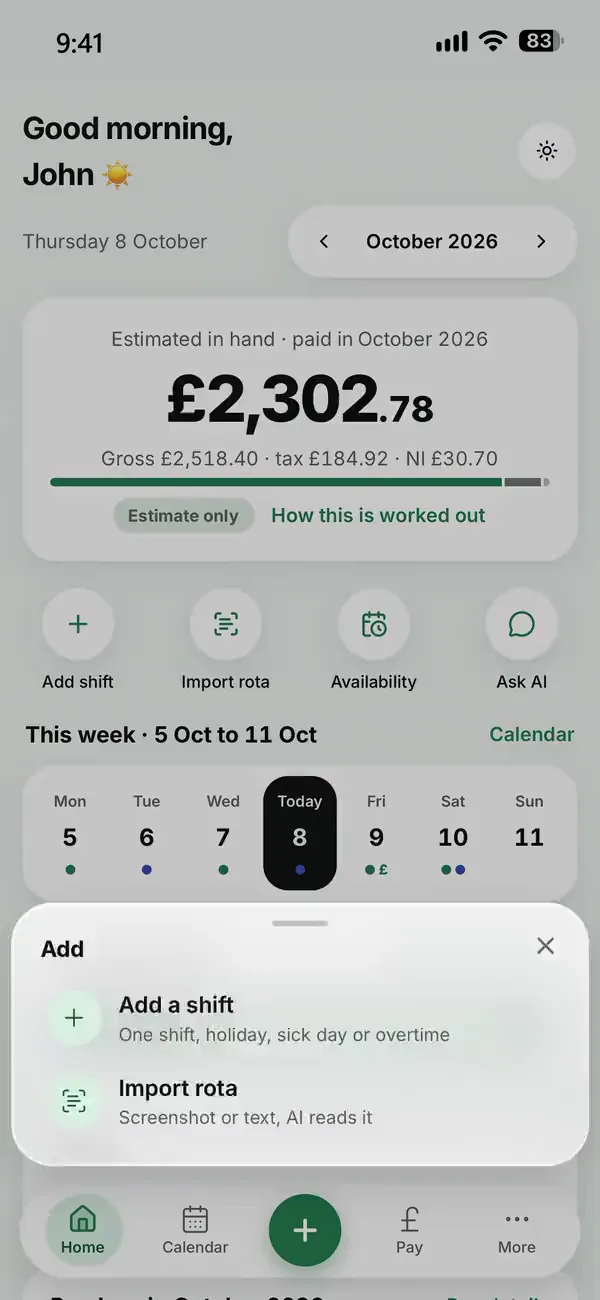
Home, Calendar, Pay, Chat, Availability, Money and Settings, rebuilt to be clearer on your phone and computer, in light and dark.
Recorded in Hustle, with an example week 11 October
Guided setup for each job
Add your name and each job step by step, with every pay option explained. Your first payday estimate is ready in a couple of minutes.
11 October
Free AI for every account
Rota import and Chat work without your own OpenAI key, with a monthly allowance, once your email address is confirmed.
11 October
This website
A new home page, Help, plain-English Privacy and Terms, and a contact form that replies.
2 October
Chat knows your pay
Ask about your shifts and paydays in plain words. Simple questions are answered on your phone, without AI.
Recorded in Hustle, with an example week 2 October
Hustle on your home screen
Add Hustle to your phone’s home screen and it opens like an app, with its new icon.
Also
- Face ID waits for the opening animation to finish before asking
- Help and What’s new are now in the menu at the top of every page
- Extra protection so only the real Hustle website can use Hustle’s server
- No second Hustle logo under the header when a page bounces on iPhone
- The buttons stay at the bottom of the screen while you set up a job on your phone
- Security update to the framework Hustle is built on
- Your own OpenAI key: problems now show in red, with a Sign in again button when it’s needed
- Calendar pay for every rate (some night shifts wrongly said the estimate was unavailable)
- Help and Contact us in Settings, with your email filled in
- Add a shift from any screen
- Delete your account from Settings, everything at once
- A welcome email, and stronger new passwords (8 characters with a capital, a number and a symbol)
- Tighter security on the sign-in pages and in the app
- Usage statistics only if you say yes
- A custom holiday pay rate like £10.03 now saves
- Reduce motion also calms the phone menu and the loading spinner
- Fixes across shifts, settings and availability
- Clearer for screen readers and keyboards, with Reduce motion respected
- Sign-in and Home appear faster
September 2026
30 September
Rota photos read more reliably
Rota import reads screenshots and photos more carefully, and shows you everything before it’s saved.
Recorded in Hustle, with an example week 15 September
Holiday and leave
Add holiday and sick days to the same calendar, with what they should pay.
7 September
Overtime
Overtime shifts, paid at their own rate, in the right payday.
4 September
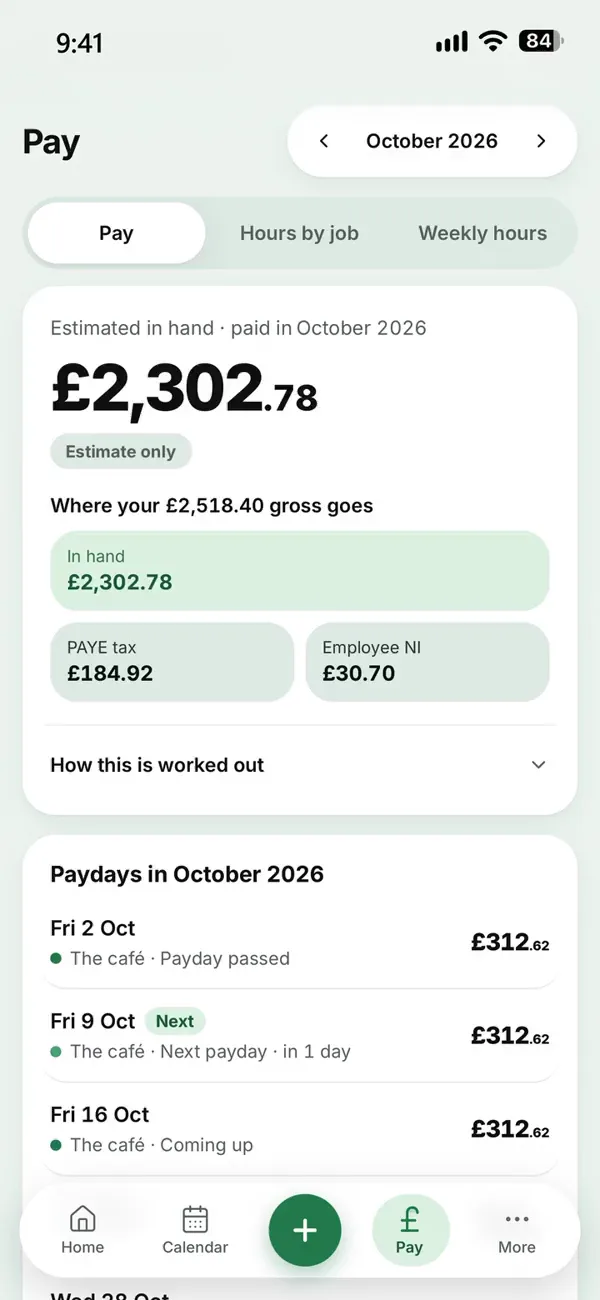
Tax and NI on every payday
Estimated tax and National Insurance for 2026/27, from your pay so far this year.
Recorded in Hustle, with an example week
Also
- Every amount stored to the exact penny
- Your own AI key kept encrypted on our server, never in your browser
- Stronger sign-in checks, and less of your data sent to AI
Tell us what
to build next.
Tell us what would make Hustle better, or what isn’t working. We read every message.